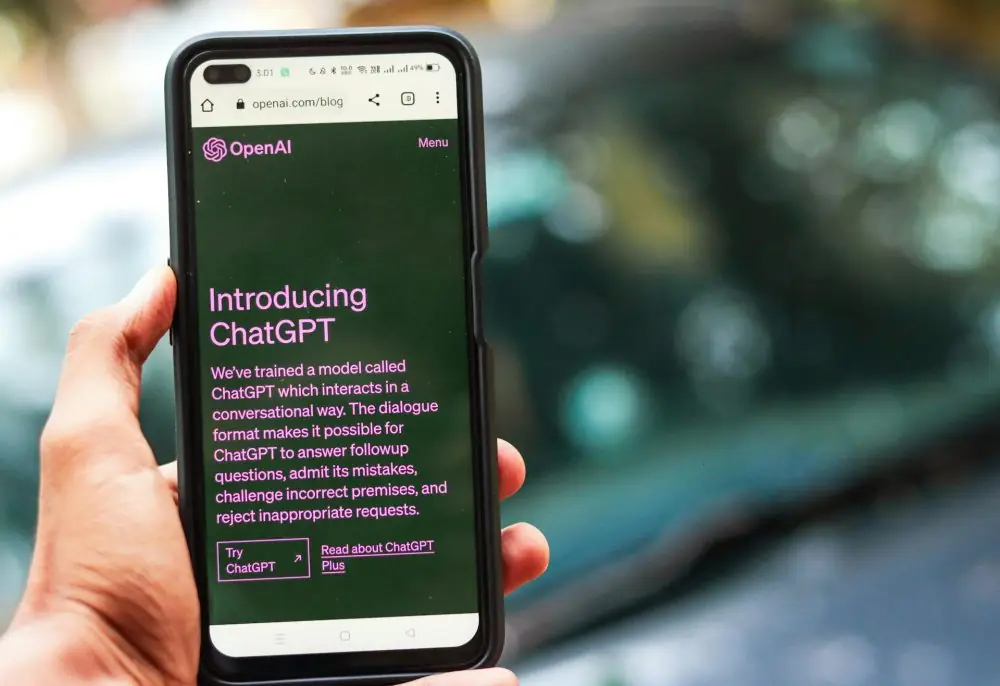
In an era where artificial intelligence transforms daily interactions, understanding tools like ChatGPT not only enhances productivity but also bridges the gap between complex technology and everyday users. If you’ve recently stumbled upon ChatGPT and are curious about maximizing its potential, this article will explore how to use it in simple steps.
What Is ChatGPT?
ChatGPT stands for Chat-based Generative Pre-trained Transformer. Developed by OpenAI, this AI-driven tool is revolutionizing the way we interact with machines. Imagine having a conversation with a system that understands and responds with almost human-like accuracy. That’s ChatGPT for you—designed to handle a wide range of queries with responses that are not only immediate but surprisingly insightful.

The backbone of ChatGPT is its advanced natural language processing capabilities. Through extensive training and reinforcement learning from human feedback, it has learned to refine its conversational abilities. Whether you’re a student looking for quick summaries, a professional drafting emails, or a developer needing coding help, ChatGPT can assist you swiftly and efficiently.
How to Use ChatGPT in 6 Steps
1. Setting Up Your Account
The first step to accessing ChatGPT is simple. Head over to the OpenAI website and either log in with your existing account or sign up if you’re new to the platform. Signing up is straightforward—follow the prompts to enter your email, create a password, and verify your details. Remember, the basic service is free, but you can always upgrade for more advanced features.
2. Starting a Conversation
Once you’re logged in, initiating a conversation with ChatGPT is as easy as typing a message. Navigate to the ChatGPT interface, find the message box, and type your query or command. Hit enter, and within seconds, ChatGPT will spring into action, offering responses crafted to address your specific needs.
3. Fine-Tuning Your Interactions
ChatGPT is adept at handling a variety of tasks, but getting the most out of it sometimes requires fine-tuning your prompts. This could mean rephrasing questions for clarity or specifying the context more directly. If the response isn’t quite what you expected, adjust your prompt and try again. This iterative process helps in honing the accuracy of the responses you receive.
4. Exploring Advanced Features
For those with a Plus subscription, ChatGPT offers the ability to browse the internet, pulling in the most current data to answer your questions. This feature enhances the tool’s utility, especially when you need up-to-date information. Moreover, you can personalize your interaction by asking ChatGPT to remember certain details for future conversations, streamlining your experience.
5. Utilizing the Output
What do you do with the information once ChatGPT provides it? Whether it’s a crafted email, a code snippet, or a well-argued point, you can directly copy this from the interface and paste it wherever needed. Additionally, the platform offers options to like, dislike, or share responses, which helps in refining the model and your future interactions.
6. Managing and Customizing
An interesting aspect of ChatGPT is its customizable nature. If you find yourself frequently discussing specific topics, you can set preferences that guide how ChatGPT handles your conversations. This can be particularly useful for professionals who need consistency in tone and style.
While ChatGPT is a robust tool, it’s not infallible. It operates within the boundaries of its programming and the information it was trained on. Hence, while it’s an excellent aid, always use it as an augmentative tool rather than a sole source for information or decision-making.